2–4 player co-op
Minecraft Dungeons II multiplayer and crossplay guide
Choose couch, online, mixed, matchmaking, or cross-platform play—and fix the account or entitlement mismatch that usually blocks the lobby.
- 2–4 players
- Couch co-op
- Online co-op
- Cross-platform
Fact-checked
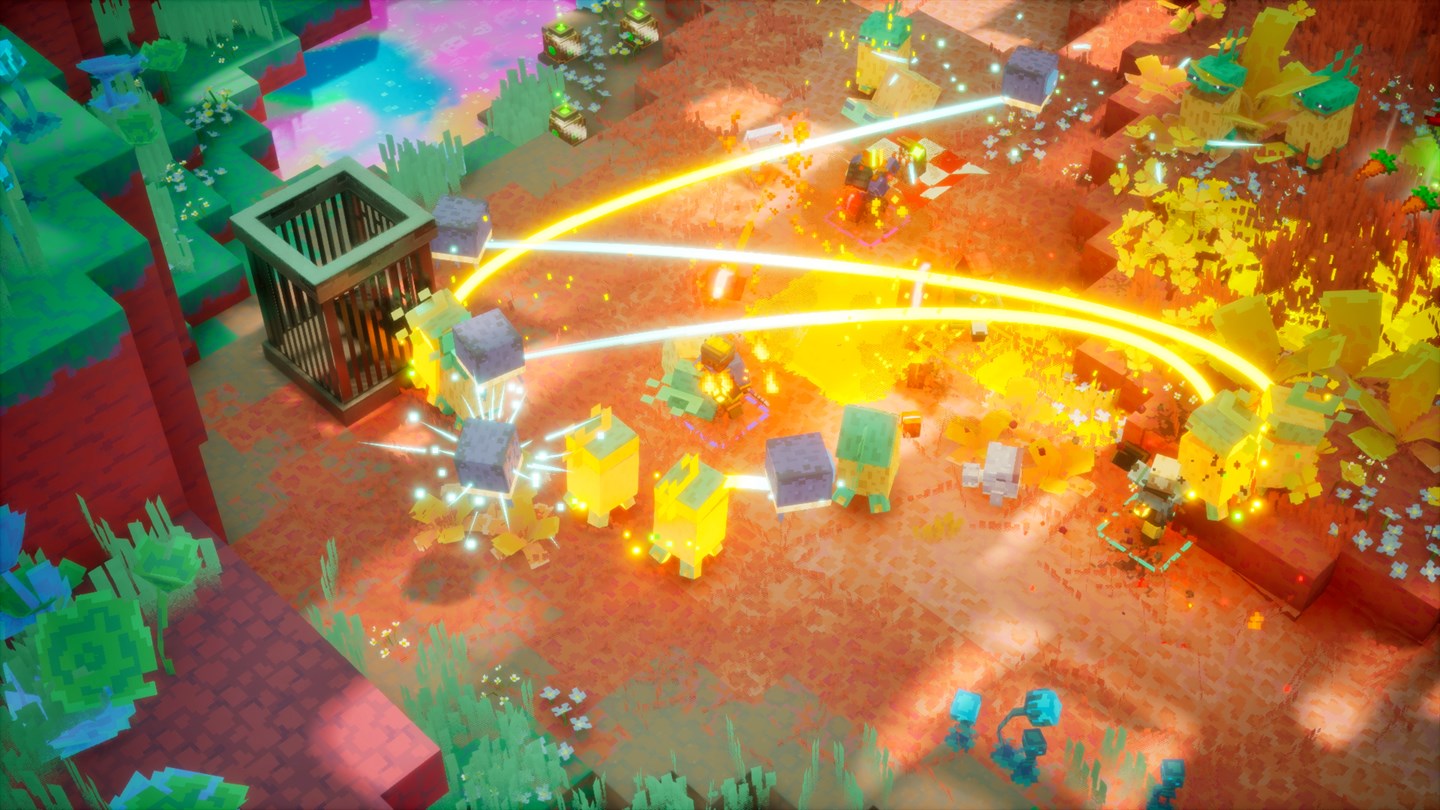
| Maximum party | Four players |
|---|---|
| Local co-op | Supported on official Xbox, Steam, and Nintendo listings |
| Online co-op | Supported; console subscriptions may be required |
| Mixed co-op | Official descriptions include couch plus online play |
| Cross-platform | Listed by Steam, Xbox, and Nintendo |
| Cross-save | Do not assume it follows from crossplay; Play Anywhere is specific to Microsoft ownership |
Choose
Choose the right co-op setup
| Group | Use | Before launching |
|---|---|---|
| Everyone on one console or PC | Couch/shared-screen co-op | Connect and sign in every controller profile before opening the lobby. |
| Everyone on a separate device | Online co-op or matchmaking | Confirm each account owns the game or has an eligible Game Pass entitlement. |
| Two players local plus remote friends | Mixed co-op | Build the local pair first, then invite remote players from the host lobby. |
| Different platforms | Cross-platform co-op | Link the requested platform/Microsoft services and verify privacy settings permit multiplayer. |
Connect
The cleanest way to create a crossplay session
- Update every copy
A launch-week hotfix on one platform can make the lobby version incompatible with an older client.
- Sign into the playing profile
The account that owns or receives the entitlement should be the account launching the game.
- Enable platform multiplayer permissions
Family controls, child-account settings, and console privacy can block invites even when the game itself is online.
- Let one player host
Create the lobby first, add local players, and then invite the remote party. Avoid having two players send competing invites.
- Use the in-game join method shown by your build
If a party code is offered, share only that temporary code. Otherwise use the Microsoft/platform friend and invite interface.
Repair
Crossplay troubleshooting in the fastest order
- Friend appears offline
- Restart the game after both players sign into the required services; then check platform privacy and cross-network play permissions.
- Invite opens the wrong edition
- Confirm every player launched Minecraft Dungeons II rather than the original Minecraft Dungeons.
- One local player cannot join
- Pair the controller and select its console/PC profile before entering the online lobby.
- Game Pass works on one device only
- Verify the subscription type, the signed-in account, and whether the target is PC or console. Crossplay does not copy store ownership.
- Session disconnects after an update
- Compare game version/build numbers and fully restart the device; suspend/resume can preserve a stale network session.
Coordinate
Make four-player combat less chaotic
Assign jobs, not permanent classes
- One player carries the most reliable control or defensive artifact and calls dangerous elites.
- One ranged player removes enemies that force the melee group to move.
- A soul-focused player announces when the resource meter is empty instead of entering the next wave silently.
- The host controls mission transitions and waits for inventory changes before starting the next encounter.
- Revive from cover or after control effects; four players standing on one downed hero creates a second wipe target.
Open multiplayer sources
Store prices, subscriptions, balance, controls, and generated layouts can change. This guide separates official store facts from independent launch observations and dates the latest verification.
- Official Minecraft Dungeons II pagePublisher overview and platform chooser.
- Minecraft Dungeons II on SteamRelease date, Windows requirements, price, features, and official media.
- Minecraft Dungeons II on XboxXbox/PC availability, Play Anywhere, Game Pass, co-op capabilities, and accessibility.
- Minecraft Dungeons II for Nintendo Switch 2Official 1–4 player, online co-op, and cross-platform feature listing.