Voice brief → original voice previews
AI Voice Design: turn a written brief into an original voice
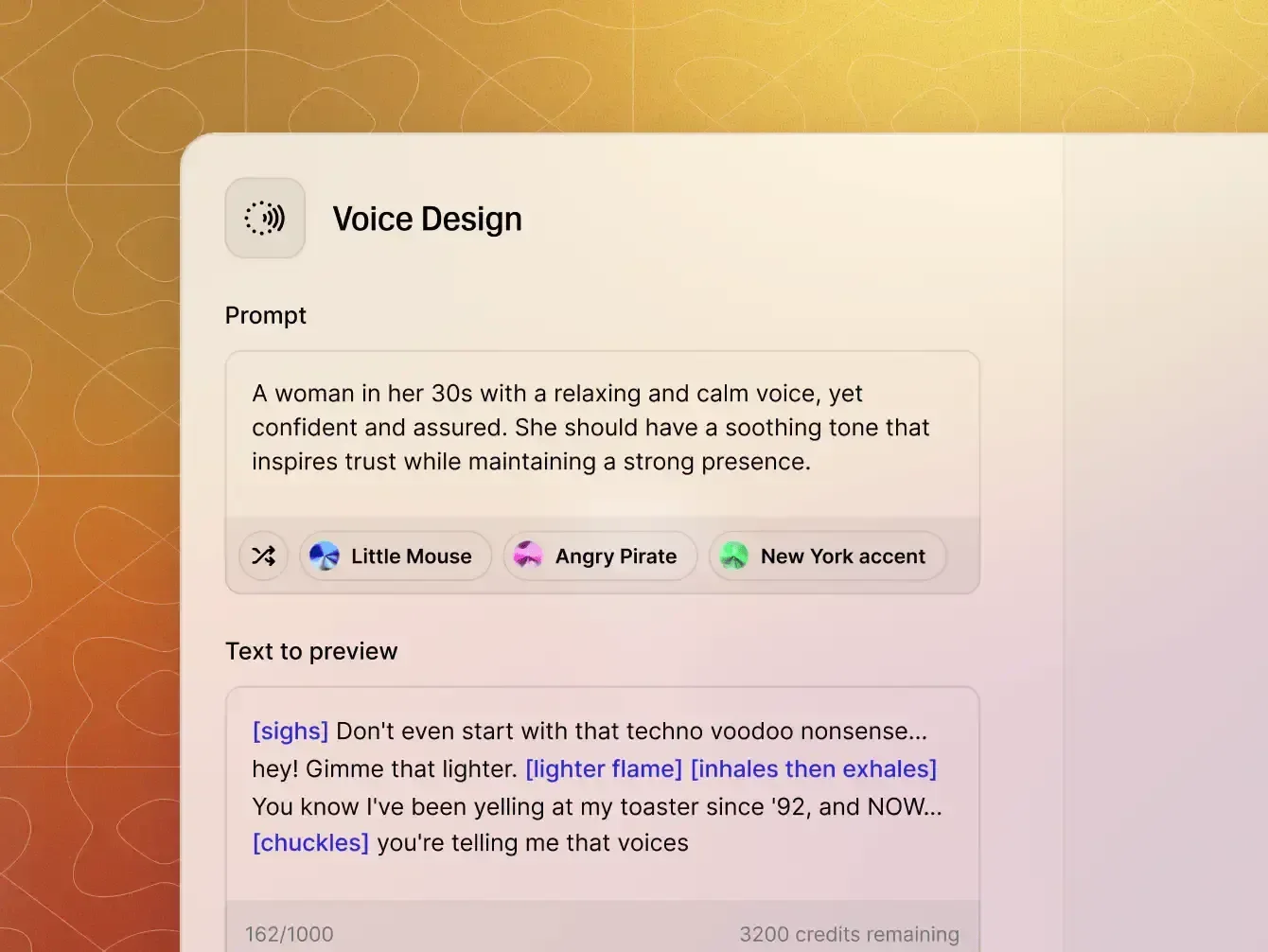
Voice Design is for the moment when a voice library is close, but not specific enough. Describe the speaker you need, generate contrasting candidates, and refine the direction until the voice fits the character, audience, and production context.
- Input
- 20–1,000 character voice brief
- Output
- Up to three playable previews
- Core controls
- Prompt and Guidance
- Best for
- New characters and brand voices
Search intent: how to write a Voice Design prompt
Write a voice brief that sounds directed, not decorated
A useful prompt tells the model who is speaking, how the voice is physically produced, and what the performance needs to accomplish. A long pile of adjectives can conflict; a short hierarchy of concrete traits gives every word a job.
- Anchor the identity. Name the language or accent, perceived age range, and role first.
- Shape the instrument. Add pitch, resonance, vocal weight, texture, and articulation.
- Direct the performance. Define pace, energy, emotional posture, and audience relationship.
- Protect the priority. If one trait is essential, state it clearly and remove adjectives that pull in another direction.
Prompt formula language/accent + age/role + pitch/timbre + pace/energy + emotion + use case
Original example: “English-speaking woman in her early 40s, warm contralto, rounded resonance, measured pace, calm confidence, and a lightly amused delivery for a premium museum audio guide.”
Search intent: age, timbre, accent, pace, and emotion
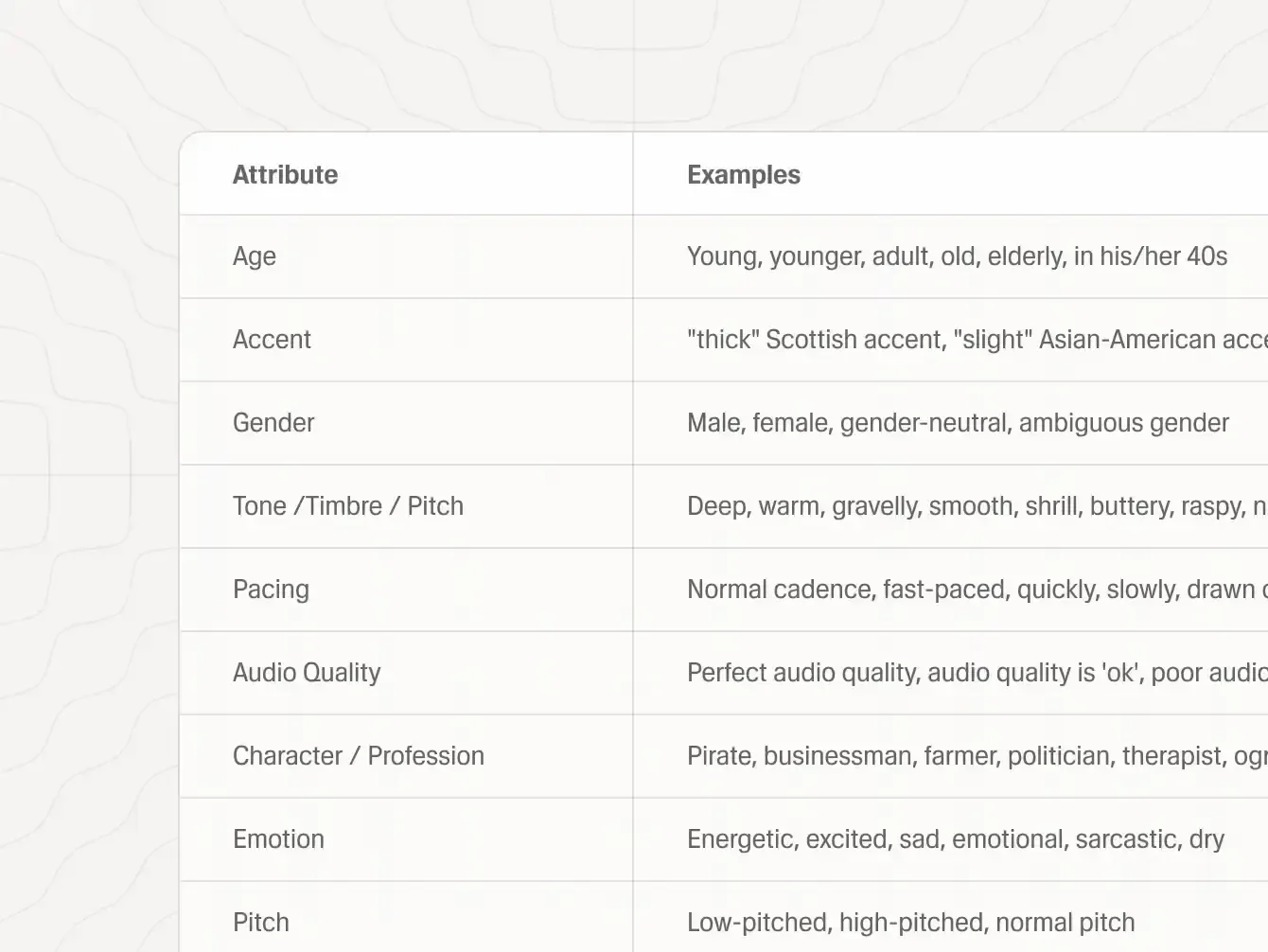
Direct five audible dimensions separately
Voice identity becomes easier to control when you distinguish anatomy-like qualities from acting direction. Timbre describes the texture of the voice; emotion describes the current performance. “Gravelly” and “furious” are not interchangeable, and a calm line can still use a rough vocal texture.
- Age and role
- Set maturity, energy, authority, and social context without asking for a real person.
- Pitch and timbre
- Use physical terms such as low, bright, breathy, resonant, thin, velvety, nasal, or weathered.
- Accent and articulation
- Name the intended region, then add clarity, vowel shape, consonant precision, or conversational looseness.
- Pace and energy
- Separate speed from intensity: a slow delivery can be urgent, and a fast delivery can remain relaxed.
- Emotion and intention
- Describe the relationship to the listener—reassuring, withholding, challenging, welcoming, or quietly amused.
Search intent: character voice and brand voice creation
Build an identity around the role—not a famous speaker
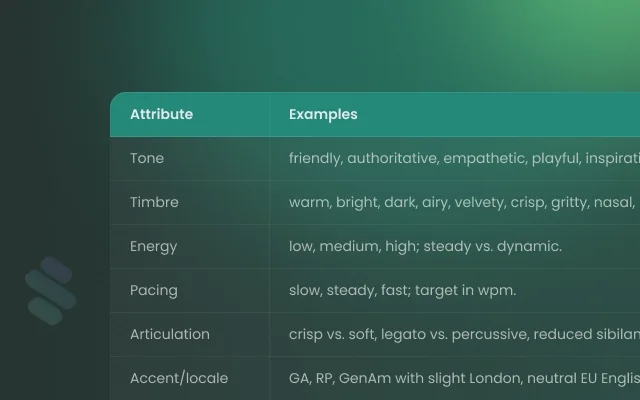
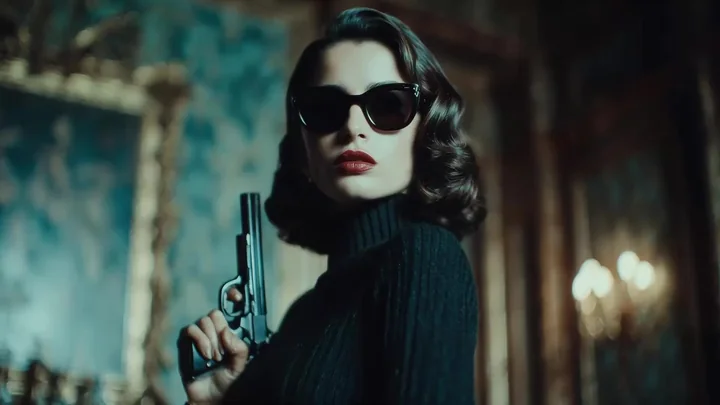
Voice Design is strongest when the brief begins with an original role. A theatrical ruler, a secretive investigator, a tired space mechanic, and a comic creature need different resonance, rhythm, and emotional range even when they read the same sentence.
- For games and animation: describe the world, physical scale, social status, and how the character behaves under pressure.
- For a brand narrator: define audience trust, speaking distance, warmth, clarity, and how much personality should remain after repeated use.
- For assistants and learning: prioritize intelligibility, calm pacing, repeatability, and a tone that remains comfortable over long sessions.
- For fiction and audio stories: give each voice a contrasting rhythm and texture so listeners can identify speakers without visual cues.



Search intent: compare and refine generated voices
Compare previews with one listening scorecard
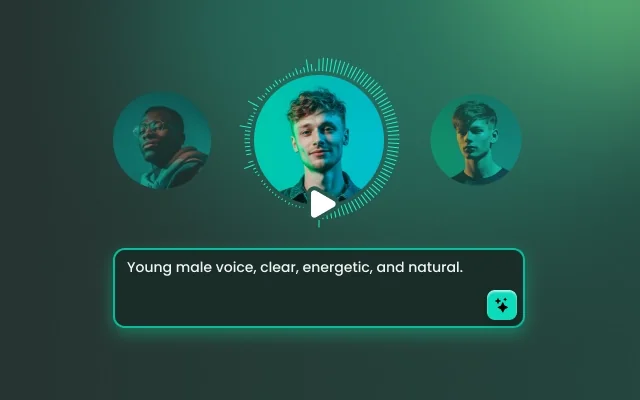
A strong first candidate is useful; a repeatable decision process is better. Choicer Voicer can return up to three previews from one brief. Keep the preview sentence constant, listen on the same device, and judge each option against the job it must perform.
- Brief match: does the voice actually express the requested age, texture, accent, and role?
- Intelligibility: are important words clear without losing the intended personality?
- Emotional control: does the voice sound directed rather than randomly dramatic?
- Pacing: can listeners follow the line, and does the rhythm fit the destination?
- Repeatability: would this identity still work with a neutral sentence, a question, and a high-emotion line?
Revision rule: change the single largest mismatch first. If the voice is warm but too young, revise age and vocal weight while keeping accent, pace, and role stable.
Prompt → output target
Three Voice Design prompts built for different search intents
These are original briefs. The right side describes the listening target, not a guaranteed result. Use the same structure to make a prompt specific without tying it to a real speaker.
Game character voice
Prompt
English-speaking male forest guardian, 55–65, deep resonant baritone with a weathered edge, slow deliberate pacing, restrained power, protective rather than threatening.- Listen for
- Weight without shouting, deliberate pauses, and a protective emotional center.
- Revise first
- Age or vocal texture if the result sounds heroic but not ancient.
Brand narrator voice
Prompt
North American woman in her 30s, clear warm mezzo voice, crisp articulation, medium pace, quietly optimistic, conversational and credible for a design-led technology brand.- Listen for
- Trust, clean product names, and personality that remains comfortable across long scripts.
- Revise first
- Pacing or energy if the delivery starts sounding like an advertisement.
Learning guide voice
Prompt
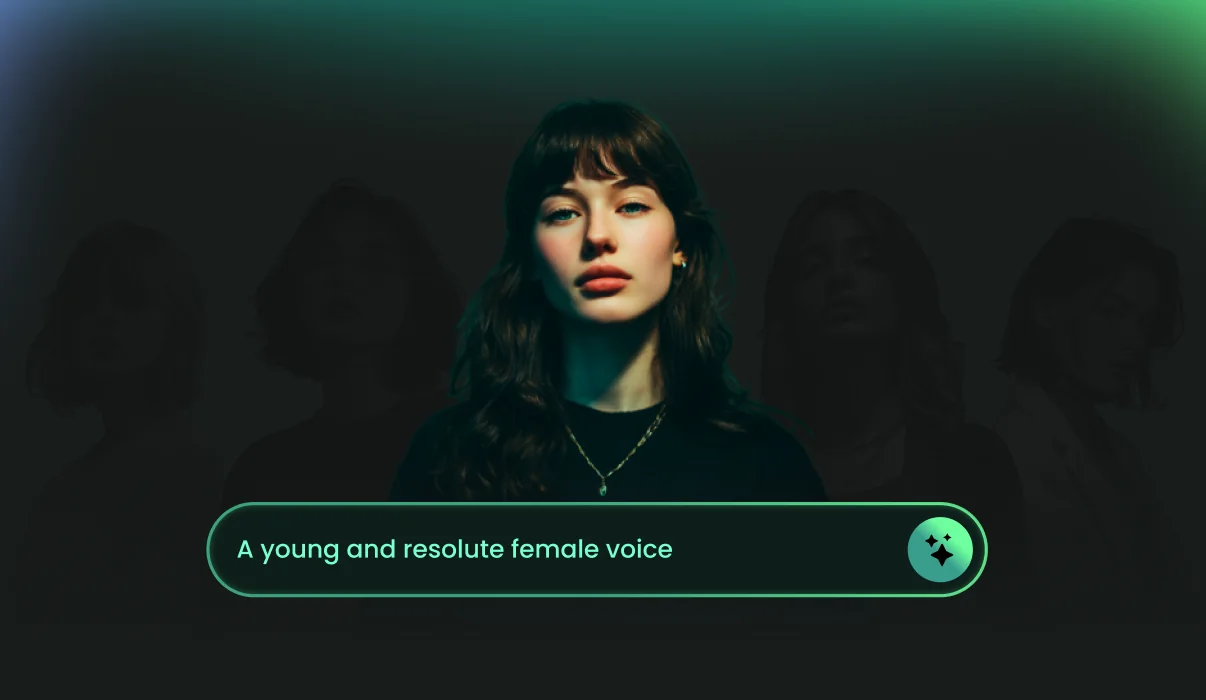
British English woman in her late 40s, mellow contralto, rounded resonance, patient pacing, attentive and reassuring, with gentle emphasis for step-by-step science lessons.- Listen for
- Clarity, low listening fatigue, and enough emphasis to separate instructions.
- Revise first
- Articulation if key terms blur, then warmth if the result becomes overly formal.
A controlled four-step workflow
From first brief to a voice you can evaluate
Move in small loops. Separating prompt writing, previewing, comparison, and reuse prevents random changes from erasing a direction that already works.
-
Step 1 Write one coherent brief
Define the role and prioritize five or six audible traits. Remove decorative words that do not change how the voice should sound.
-

Step 2 Generate contrasting previews
Use the same preview sentence and begin near the default Guidance value so the first set becomes a meaningful baseline.
-
Step 3 Score what you hear
Compare brief match, intelligibility, emotion, pace, pronunciation, and repeatability before choosing the strongest direction.
-
Refine and keep the result
Change one major mismatch, generate again, then download the selected preview and record the final prompt with your project notes.
Six practical Voice Design use cases
Match the brief to the work the voice must do
A voice is successful when it fits its destination. Each case below needs a different balance of identity, clarity, emotional range, and repeatability.

Brand and product narration
Translate brand traits into audible direction: confident but not aggressive, warm but not casual, polished without losing conversational rhythm.
Podcasts and creator channels
Build a recognizable host or segment voice for intros, recurring explainers, fictional inserts, and fast revisions after an edit.

Games, NPCs, and animation
Differentiate characters by role, physical scale, vocal texture, pace, emotional range, and their relationship to the player or scene.

Education and guided instruction
Prioritize intelligibility, low listening fatigue, patient pacing, and reliable emphasis for procedures, definitions, and transitions.

Audiobooks and audio stories
Plan narrator neutrality and character contrast together so the cast remains identifiable without exhausting the listener.

Documentary and travel narration
Use measured pacing, credible authority, and controlled wonder so the voice supports the image rather than competing with it.
Choose the right voice workflow
Voice Design vs. voice cloning vs. a voice library
These workflows solve different problems. The fastest choice depends on whether you need an invented identity, a specific authorized speaker, or an existing production-ready voice.
| Decision | Voice Design | Voice cloning | Voice library + TTS |
|---|---|---|---|
| Starting input | Written voice description | Authorized speaker recording | Existing catalog voice |
| Primary goal | Invent an original identity | Reproduce a known speaker | Choose and use a ready voice |
| Best fit | Characters, brands, prototypes | Personal or contracted speaker continuity | Fast narration and broad casting |
| Main evaluation | Prompt-to-voice match | Similarity and consent | Catalog fit and delivery quality |
| Typical refinement | Revise traits and Guidance | Improve source recording and script direction | Switch voices or adjust speech settings |
Direct answers
AI Voice Design FAQ
What is AI Voice Design?
AI Voice Design creates a new synthetic voice from a written description. Instead of selecting a preset speaker or uploading a recording, you describe the age, accent, pitch, timbre, pace, energy, emotion, and role you want, then compare generated previews.
How is Voice Design different from voice cloning?
Voice cloning begins with an authorized recording and tries to preserve the identity of that speaker. Voice Design begins with a text brief and invents a voice for a role. Use cloning when you have a specific consenting speaker to reproduce; use design when the character or brand voice does not exist yet.
What should a good Voice Design prompt include?
Start with language or accent, perceived age, vocal range, timbre, pace, energy, emotion, and intended role. Add one or two concrete delivery details, such as clipped consonants, rounded resonance, restrained confidence, or an unhurried conversational rhythm.
How long can my voice description be?
The Choicer Voicer workspace accepts a Voice Design description between 20 and 1,000 characters. A compact brief can work for a neutral narrator, while a distinctive character usually benefits from more specific, non-conflicting traits.
How many voice previews will I receive?
A Voice Design request can return up to three playable previews. Compare them with the same preview text and listening criteria so you can judge prompt fit rather than being distracted by different scripts.
What does the Guidance control change?
Guidance influences how closely generation follows the written description. Treat it as a refinement control: begin near the default, then change it deliberately if the previews feel too generic or too rigid rather than moving it randomly between every attempt.
Can I request a particular accent or speaking style?
Yes. Name the language or regional accent, then support it with pacing, articulation, pitch, resonance, and social context. Test important pronunciations in the preview text because an accent label alone does not describe every sound or rhythm you need.
Can I create voices for games, animation, brands, or learning content?
Yes. Voice Design is useful for fictional characters, narrators, virtual assistants, explainers, branded audio, learning modules, podcasts, and early casting prototypes. Write the brief around the job the voice must perform, not only around adjectives.
How do I choose the best preview?
Score every preview for brief match, intelligibility, emotional control, pacing, pronunciation, and repeatability. Keep the strongest candidate, identify the largest mismatch, and revise only that part of the prompt before generating another set.
Can I use a designed voice commercially?
Commercial use depends on your active plan, the service terms in force when you generate, and the rights attached to your script and project. Avoid prompts intended to impersonate a real person, document approvals for client work, and review current terms before publication.